
Ori and the Blind Forest Steam: Editions and PC Help
Explore Ori and the Blind Forest Steam editions, PC requirements, Steam Deck support, saving tips, and fixes before starting your adventure through Nibel.
Jump to
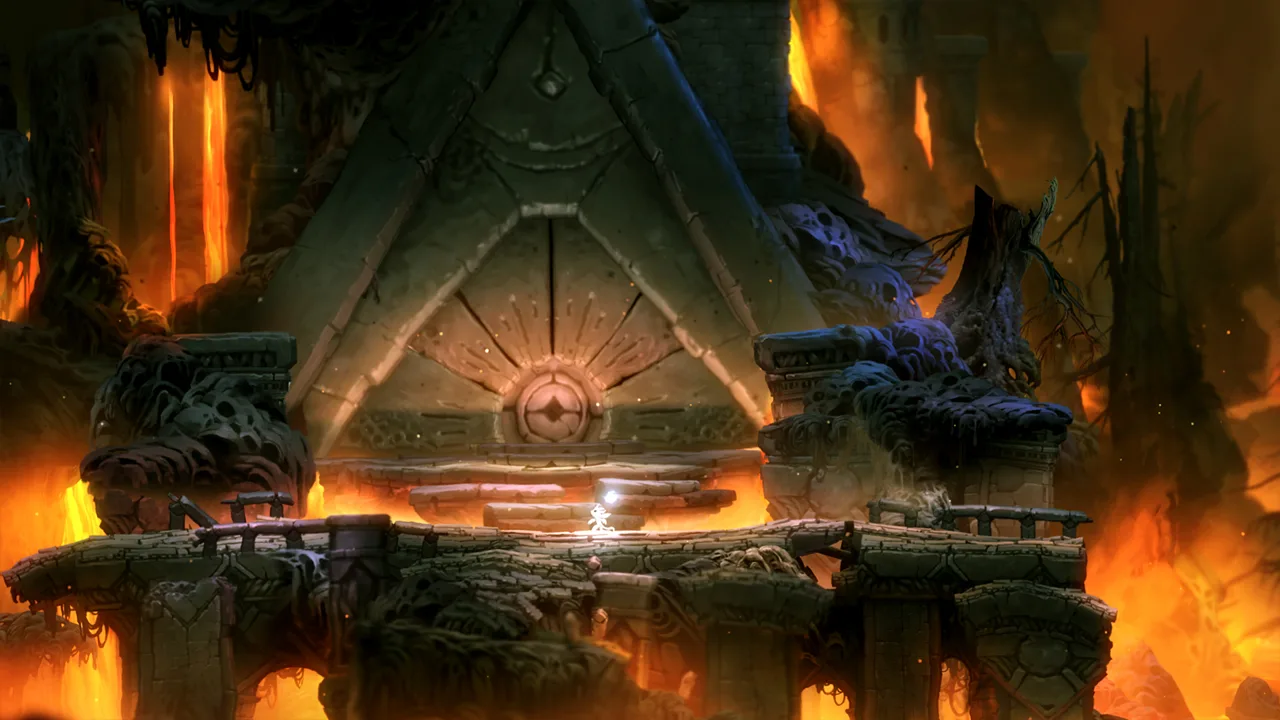
Is Ori and the Blind Forest Available on Steam?
Your Ori and the Blind Forest Steam purchase comes with an important edition choice. The Definitive Edition includes additional areas, abilities, and travel options that change how you explore Nibel. This Ori and the Blind Forest Steam guide covers those differences, PC requirements, Steam Deck compatibility, saving, and practical help for getting past frustrating obstacles.
Developed by Moon Studios and published by Xbox Game Studios, this single-player action-platformer mixes exploration, environmental puzzles, and demanding movement. Its hand-painted environments and orchestral soundtrack give the forest a gentle appearance, but spikes, dangerous creatures, and escape sequences demand your attention.
Two separate Steam applications matter here:
| Edition | Steam App ID | Content and features |
|---|---|---|
| Ori and the Blind Forest | 261570 | The original adventure, with Soul Links, ability upgrades, and an interconnected world |
| Ori and the Blind Forest: Definitive Edition | 387290 | Adds two environments, Dash, Light Burst, additional secrets, and Spirit Well teleportation |
The Definitive Edition launched on Windows on April 27, 2016. Its standalone price is $19.99 USD; check the current price before completing your purchase.
Buying the Definitive Edition also adds the original game to your Steam library if you do not already own it. That explains why you can end up with two entries for the same adventure.
Open the Ori and the Blind Forest: Definitive Edition Steam page to purchase the expanded version. When installing or searching for troubleshooting help, match the full edition name so you follow instructions for the game you actually launched.
What Changes in the Definitive Edition?
The Ori and the Blind Forest Steam editions share the central journey through Nibel. The expanded edition builds on that journey with new environments exploring Naru’s past, extra secrets, and movement tools.
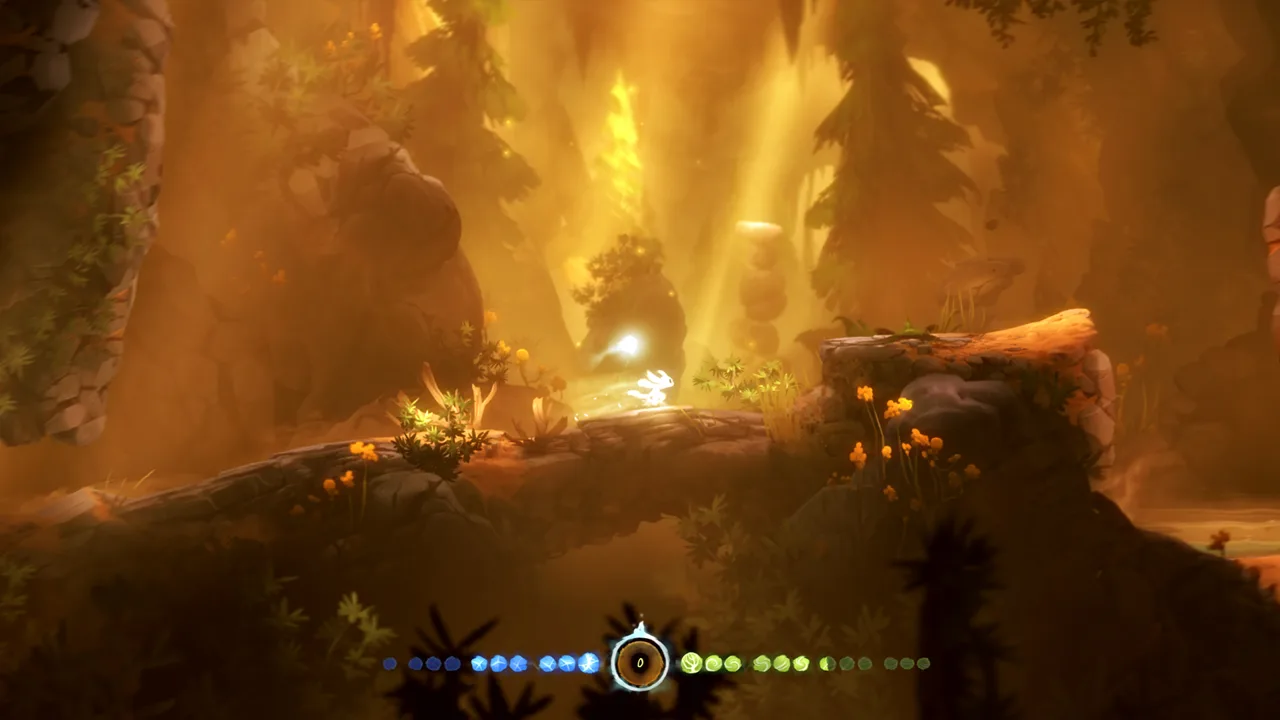 Image: Steam / Moon Studios GmbH
Dash and Light Burst are the two added abilities. Spirit Well teleportation also changes the practical side of revisiting explored territory: you can travel between wells instead of covering every connecting stretch again.
Those additions matter in a game where an unreachable ledge can stay on your mental checklist long after you leave the area. New movement options create reasons to reconsider familiar spaces, while teleportation makes returning to them more convenient.
Keep these distinctions in mind:
- Dash and Light Burst belong to the Definitive Edition. Match ability advice to your edition.
- The new environments expand Naru’s story. Leave room for exploration beyond the main objective.
- Spirit Wells support teleportation in the Definitive Edition. Use them when returning to previously explored regions.
- Returning to certain completed areas is improved in the Definitive Edition. Revisit accessible territory when searching for remaining collectibles.
Exploration and movement work together throughout the adventure. An early route can feel awkward with a limited ability set, then become much easier to navigate after Ori learns additional skills.
When a collectible sits beyond your current reach, return after gaining another movement ability. Avoid repeating the same unsuccessful jump without changing your route or tools.
Ori and the Blind Forest Steam PC Requirements
Check the requirements for your installed edition before making space for the game. The original requires 8 GB of available storage, while the Definitive Edition requires 11 GB.
 Image: Steam / Moon Studios GmbH
The following hardware requirements apply to the Definitive Edition:
| Component | Minimum | Recommended |
|---|---|---|
| Operating system | Windows 7 | Windows 7 |
| Processor | Intel Core 2 Duo E4500 at 2.2 GHz or AMD Athlon 64 X2 5600+ at 2.8 GHz | Intel Core i5 2300 or AMD FX6120 |
| Memory | 4 GB RAM | 4 GB RAM |
| Graphics | GeForce 240 GT or Radeon HD 6570 with 1 GB graphics memory | GeForce GTX 550 Ti or Radeon HD 6770 |
| DirectX | Version 9.0c | Version 11 |
| Available storage | 11 GB | 11 GB |
The original edition uses the same processor, memory, graphics, and DirectX specifications, with the smaller storage requirement.
Compare your graphics hardware as well as your RAM. Meeting the memory requirement alone does not cover the full hardware specification.
The original Windows release has no native Mac or Linux version. Steam Deck compatibility is a separate consideration covered below.
For an Ori and the Blind Forest Steam installation, also distinguish game requirements from Steam features. Cloud saves, achievements, and Remote Play provide useful conveniences, but they do not replace the CPU, graphics, or storage requirements.
Leave enough space for the edition you intend to install. If both versions appear in your library, check their names before downloading so you allocate storage to the intended game.
Steam Deck, Controllers, and Steam Features
Ori and the Blind Forest: Definitive Edition is Steam Deck Verified. It also supports Xbox controllers, Steam Cloud, and Steam Achievements.
 Image: Steam / Moon Studios GmbH
For an Ori and the Blind Forest Steam setup across different screens, the Definitive Edition includes Remote Play on phone, tablet, and TV. Remote Play is a streaming feature; it does not turn those devices into separate native releases.
| Feature | Definitive Edition details |
|---|---|
| Steam Deck compatibility | Verified |
| Controller support | Xbox controllers |
| Achievements | 57 Steam Achievements |
| Cloud saves | Steam Cloud support |
| Remote Play | Phone, tablet, and TV |
| Multiplayer | Single-player game |
The original edition separately includes full controller support, Steam Cloud, Steam Achievements, Steam Trading Cards, and Remote Play on TV.
Check feature details against the edition name when configuring your setup. The original and Definitive Edition have separate Steam application IDs, so keep that distinction visible when managing installations or looking up edition-specific help.
During platforming, focus on movement control before chasing optional collectibles. Ori’s lightweight motion, chained jumps, and hazardous surroundings can make small corrections matter.
Practice new movement abilities in less dangerous terrain before relying on them during a difficult crossing. During escape sequences, concentrate on the next reachable platform and the objects you can use to keep moving.
Saving, Exploration, and Common Problems
An Ori and the Blind Forest Steam session can become frustrating when you clear a difficult stretch and then lose progress exploring the next side path. Understanding Soul Links helps you manage that risk.
Use Soul Links Deliberately
Soul Links let you create checkpoints by spending energy. They cannot be created everywhere: unsafe locations prevent saving.
Save on safe ground after completing a difficult section, especially before investigating an unfamiliar drop or hazard. Check your energy before committing to optional exploration.
Energy also limits how freely you can place checkpoints. Balance the value of securing recent progress against the resources available to you.
An unsafe-zone message does not mean the save system has stopped working. Move to a safe location before trying again.
Separate Ability Upgrades From Movement Unlocks
Spirit Light contributes toward ability points. Enemies, certain plants, Spirit Light containers, and Ability Cells all contribute to your upgrade progress; an Ability Cell awards an ability point directly.
Ability upgrades follow three trees, with skills learned sequentially within each tree. Core movement abilities, such as wall jumping and double jumping, also shape where you can travel.
Spend available ability points when you reach a Soul Link. Recheck your upgrades after collecting Spirit Light rather than carrying points through repeated difficult encounters.
For exploration, use this checklist:
- Revisit unreachable ledges after learning additional movement abilities.
- Check the map when choosing between the main route and a side passage.
- Watch for enemies and projectiles that can support Bash movement.
- Save before testing a dangerous optional route.
- Use Spirit Well teleportation in the Definitive Edition when revisiting regions.
Bash is especially useful for thinking through routes that initially look impossible. Look for usable targets around the gap instead of judging every crossing solely by jump distance.
Use Original-Edition Save Backups When Needed
The original game’s Patch 1 added access to up to five previous save points per save slot. Highlight a save slot and press Up to access that backup system.
These backups come from Soul Links and automatic save points created after the feature was introduced. The system does not generate earlier backups retroactively.
If a current save leaves you in a difficult position, inspect the available backups before starting over.
Match Technical Help to the Correct Edition
Older Ori and the Blind Forest Steam troubleshooting discussions can describe bugs addressed by patches to the original game. Keep that history separate from the Definitive Edition.
| Original-edition issue | Patch that addressed it |
|---|---|
| Fullscreen input lag with VSync enabled | Patch 1 reduced input lag |
| Hangs involving fullscreen switching or Alt+Tab | Patch 1 fixed these hangs |
| Third-party controller regression introduced by Patch 1 | Patch 2 fixed the regression |
| Slowdowns in several areas | Patch 2 improved those areas |
| Xbox One controller making Ori run left on Windows 10 | Patch 3 fixed the issue |
| Missing main menu after “Press any key” | Patch 3 fixed the issue |
Keep the original game updated before following an old workaround for these problems.
Patch 1 also improved fullscreen and windowed switching, including the Alt+Enter shortcut, along with multi-monitor handling and resolution changes. For the original edition, try switching display modes when investigating display-related behavior.
Some apparent progression blocks were also addressed in the original game’s patches, including a missing Sorrow Pass boulder and specific situations that trapped Ori. Before abandoning a save, check your edition, update status, and available backup points.
FAQ
Which Ori and the Blind Forest Steam edition includes Dash?
The Definitive Edition includes Dash and Light Burst, plus two additional environments and Spirit Well teleportation. The original edition does not include those added abilities.
Does buying the Definitive Edition include the original game?
Yes. Purchasing Ori and the Blind Forest: Definitive Edition on Steam includes a copy of the original game if you do not already own it. The games appear as separate library entries.
Is Ori and the Blind Forest playable on Steam Deck?
Ori and the Blind Forest: Definitive Edition is Steam Deck Verified. It also supports Xbox controllers and Steam Cloud.
Why can’t I create a Soul Link?
Soul Links require energy and a safe location. Move away from the unsafe area and check your available energy before trying again. Save after difficult sections when you reach safe ground.
Continue with
 Ori and the Blind Forest Controls: PC & Xbox GuideLearn Ori and the Blind Forest controls for keyboard, mouse, and Xbox controllers, plus how to use Bash, save with Soul Link, and handle gravity puzzles.
More in Support
See all SupportPopular pages

Ori and the Blind Forest Can You Play After Completion?
Ori and the Blind Forest can you play after completion? Learn how saves influence backtracking, missable achievements, collectibles, and your 100% cleanup.
Ori and the Blind Forest Forlorn Ruins: Puzzle Guide
Master Ori and the Blind Forest forlorn ruins with gravity puzzle solutions, Keystone routes, secret locations, and tips for escaping Kuro. Find your way.
Ori and the Blind Forest Abilities: Unlocks & Builds
Master Ori and the Blind Forest abilities with skill unlock locations, practical combat tips, and ability point priorities for easier exploration of Nibel.

Ori and the Blind Forest Energy Cell Locations: Guide
Find Ori and the Blind Forest energy cell locations by area, solve laser and crusher puzzles, and check missable pickups before moving on through Nibel.
Join the community
Game links and player communities: