
Ori and the Blind Forest Mods: PC Customization Guide
Explore Ori and the Blind Forest mods for PC, including ultrawide fixes, PlayStation prompts, visual presets, translations, and gameplay changes. Read on.
Jump to
What Can You Change With Mods?
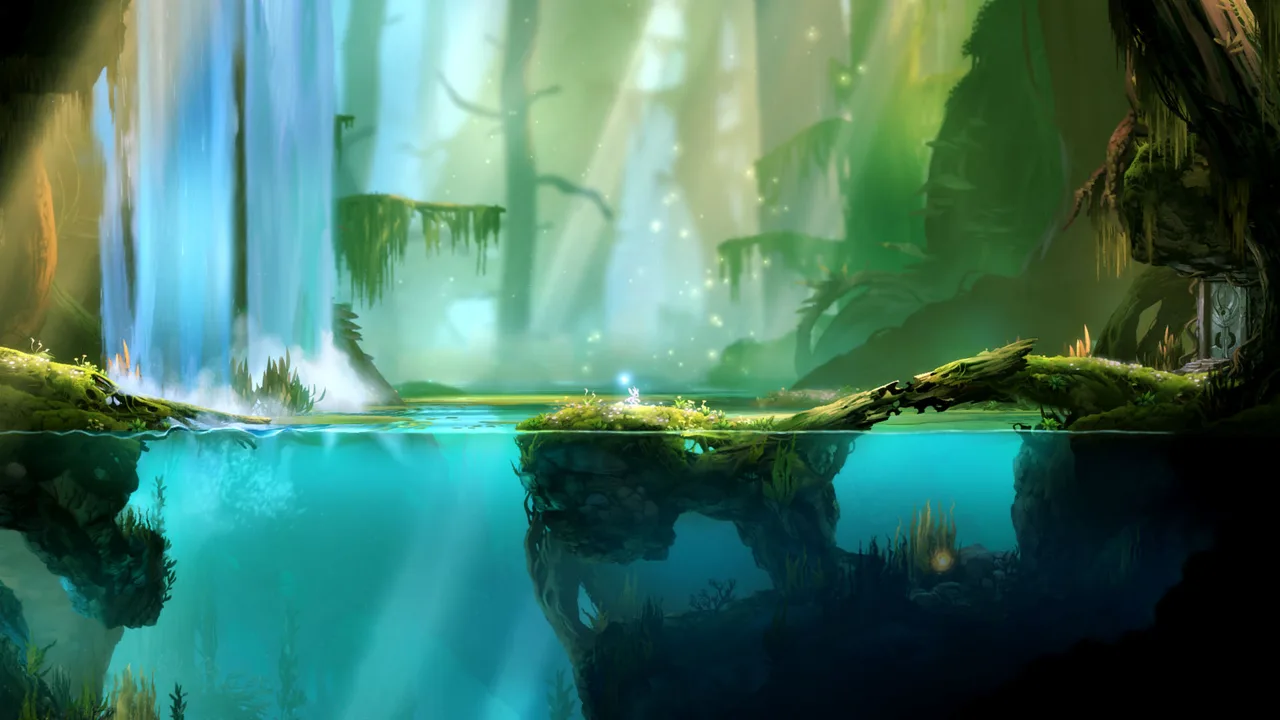
Ori and the Blind Forest mods let you change everything from controller prompts to the energy rules behind your next run through Nibel. Those changes matter when Xbox icons clash with your controller, your display needs a different aspect ratio, or you want to adjust the game’s appearance. Ori and the Blind Forest mods also include community translations, multiplayer, and downloadable saves, so start with the specific change you want.
The selection covers several distinct kinds of customization. Some downloads replace interface artwork or alter presentation. Others change gameplay, provide existing progress, or give programmers tools to create modifications. Picking a category before downloading makes it easier to understand what you are adding.
Check whether you own the original game or Definitive Edition before choosing a mod. Several projects explicitly target Definitive Edition, including PlayStation button replacements, ORI MP, and the newer aspect-ratio modification. The 100 Save File (DE) download specifically excludes the original edition.
Keep the edition attached to each download in mind throughout this guide. A familiar game title does not make two versions interchangeable.
Before downloading Ori and the Blind Forest mods, decide whether you want a presentation change, a gameplay adjustment, or a different starting save. That distinction is especially useful when browsing achievement saves alongside actual gameplay modifications: loading someone else’s progress serves a different purpose from changing how your own run plays.
Official page: Ori and the Blind Forest (store.steampowered.com)
Fix Controller Prompts and Display Fit
Controller icons and aspect ratios are practical starting points for Ori and the Blind Forest mods. These projects address specific presentation details without asking you to choose a new visual style.
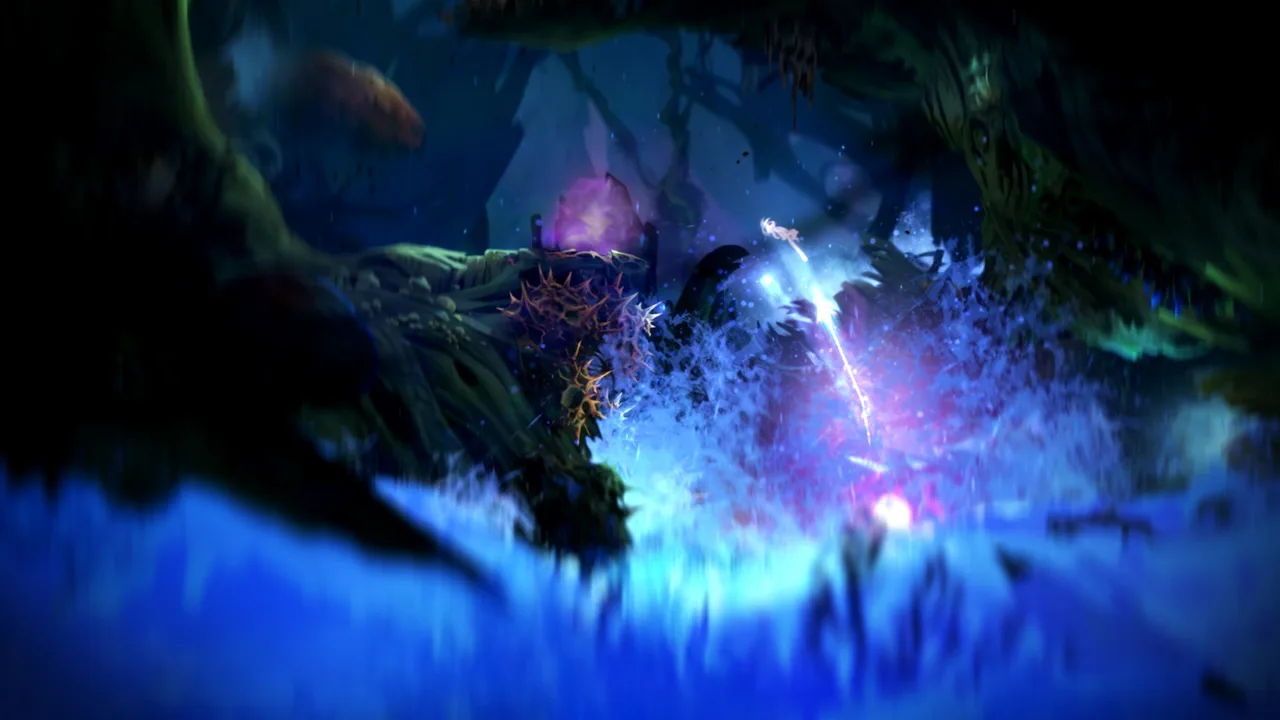 Image: Steam / Moon Studios GmbH
| Mod | What it changes | Edition identified in its name |
|---|---|---|
| PS4 Button Prompts for Ori and the Blind Forest Definitive Edition | Replaces Xbox One prompts with DualShock 4 prompts | Definitive Edition |
| Ori and the Blind Forest Definitive Edition Force Any Aspect Ratio | Removes built-in aspect-ratio limits and automatically matches the current display resolution | Definitive Edition |
| Ori 21_9 Ultrawide Aspect Patch | Targets the 21:9 ultrawide aspect ratio | — |
Match the prompts to your controller
PS4 Button Prompts for Ori and the Blind Forest Definitive Edition replaces the default Xbox One symbols with DualShock 4 symbols. Its replacement prompts have twice the resolution of the originals.
Choose this change if you want the displayed button symbols to match a PlayStation controller. Keep the distinction clear: this is a prompt replacement. Its purpose is to change the icons you read while playing.
Compare the replacement symbols at your normal viewing distance. Sharper artwork is useful when it makes a prompt easier to recognize during movement, especially if you already think in PlayStation button symbols.
Choose an aspect-ratio modification
Ori and the Blind Forest Definitive Edition Force Any Aspect Ratio uses a recompiled Assembly-CSharp.dll to remove the game’s built-in aspect-ratio restrictions. It automatically detects the current display resolution, with supported testing spanning 32:9 through 1:1.
The separate Ori 21_9 Ultrawide Aspect Patch targets 21:9 displays. Keep those projects distinct when selecting a download; their names describe different display targets.
Back up the original DLL before replacing it with a modified version. Check your chosen resolution in the game afterward, paying attention to the picture’s proportions and the placement of interface elements.
Customize Visuals and Language
Visual customization takes several forms among Ori and the Blind Forest mods. You can adjust the overall image, change Ori’s color, or replace text with a community translation.
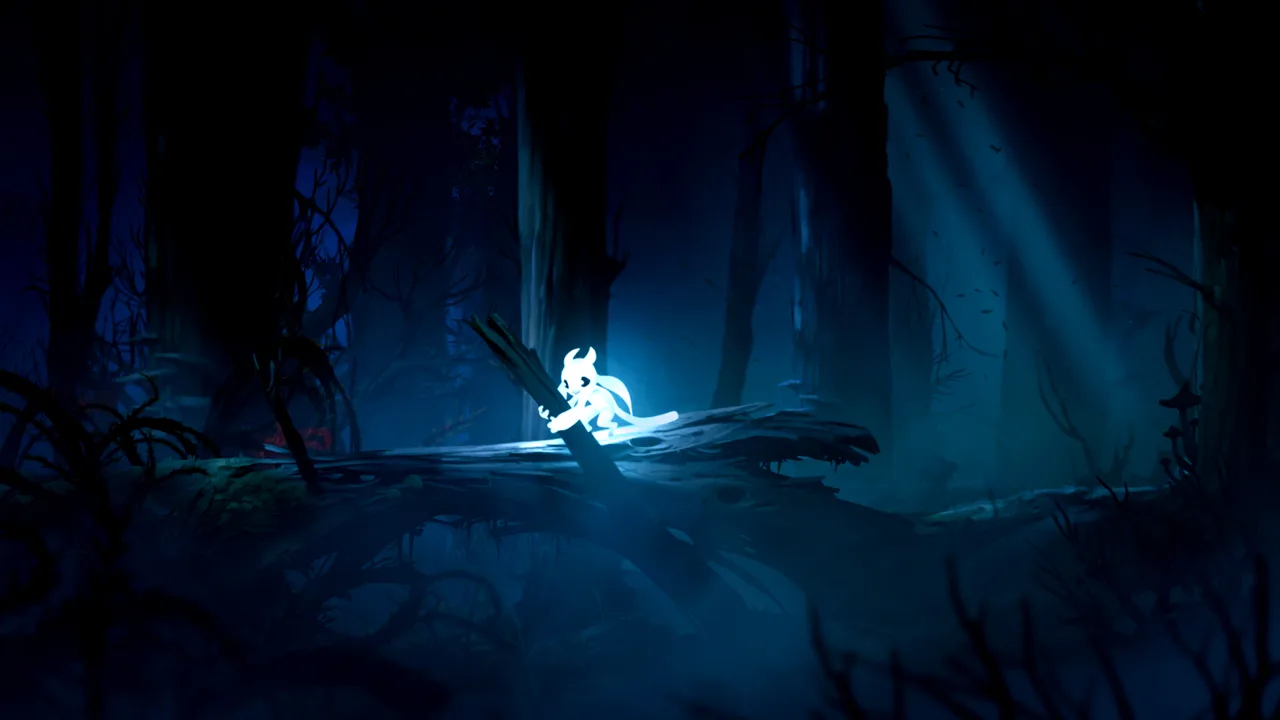 Image: Steam / Moon Studios GmbH
Adjust the image or Ori’s color
The game’s hand-painted environments already give Nibel a strong visual identity. Choose a visual modification around the particular change you want, whether that means stronger color, additional sharpening, or a different character color.
| Mod | Visual change |
|---|---|
| Ori's Vibrance and Sharp Reshade | ReShade enhancement focused on vibrance and sharpening |
| Ori'sDream_ReShade | A sharpened, HDR-style appearance |
| SweetFX Sharp'n'Vivid | A SweetFX package with a preset for more vivid visuals |
| Ori Color Changer | An application for selecting Ori’s in-game color |
Ori'sDream_ReShade aims for a sharper, HDR-style presentation. That describes its intended appearance; it should not be confused with a claim about native HDR display support.
SweetFX Sharp'n'Vivid packages SweetFX with a vivid visual preset. Ori's Vibrance and Sharp Reshade offers another route for changing the image through ReShade.
Compare a preset against the original image in a familiar scene. Look at fine background detail, bright effects, and the separation between Ori and the surroundings. Keep the version that makes the artwork comfortable for you to read.
Ori Color Changer has a more specific purpose: its application lets you select a color for Ori. Start there if your main interest is changing the character rather than adjusting the entire scene.
Play with a community translation
Language modifications address a different need. The available options include Greek, Indonesian, and Thai projects, with separate Indonesian downloads bearing original-game and Definitive Edition names.
| Translation | Identified scope |
|---|---|
| Ori and the Blind Forest Greek Language | Definitive Edition; dialogue, menus, items, and UI text |
| Ori and the Blind Forest Definitive Edition Bahasa Indonesia | Indonesian translation for Definitive Edition |
| Ori and the Blind Forest Bahasa Indonesia | Separate Indonesian translation download |
| Thai Localization Mod | Thai localization |
The Greek translation covers several text categories, including dialogue and interface elements. That makes edition matching relevant beyond the main menu.
For Indonesian, read the full download name before selecting a file. The two similarly named projects include a download explicitly labeled for Definitive Edition.
Check translated menus and dialogue after applying a language modification. Focus on the text you need to navigate and follow the story, then continue playing once the intended language appears correctly.
Change Energy Rules or Explore Multiplayer
Gameplay-focused Ori and the Blind Forest mods range from energy changes to multiplayer. Choose the experience you want before adding one: removing an energy restriction and adding new energy costs pull play in different directions.
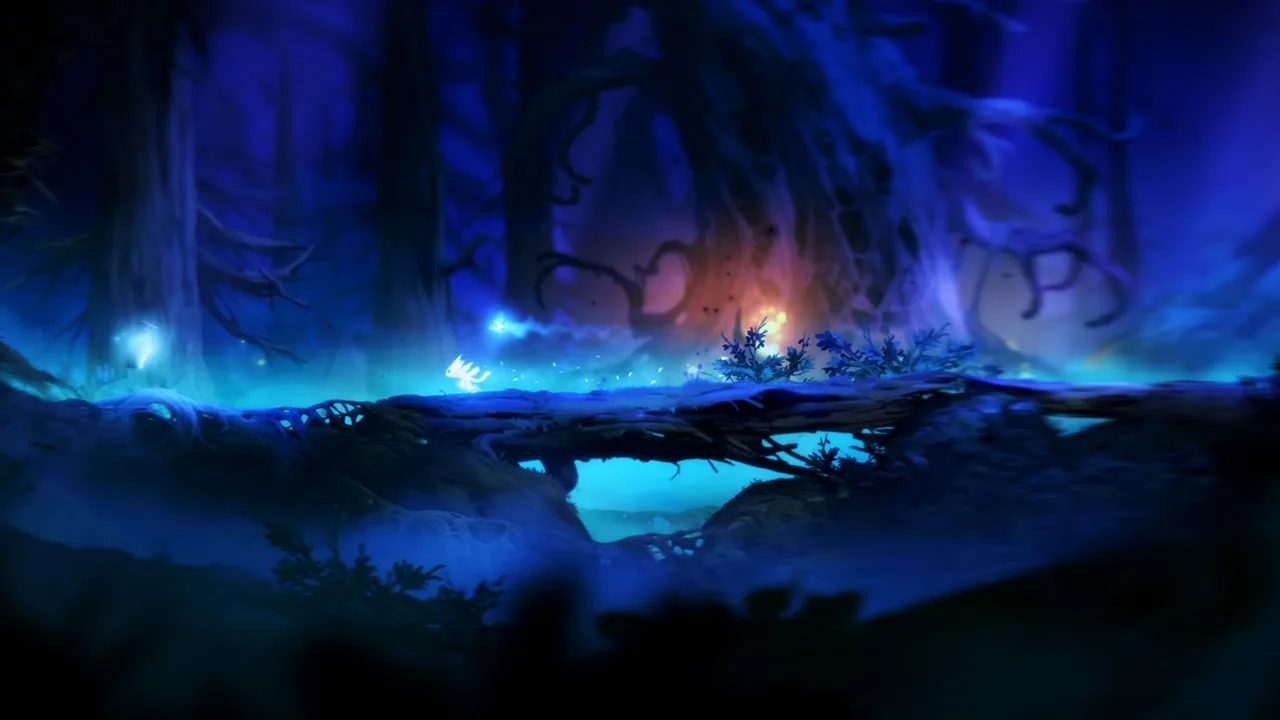 Image: Steam / Moon Studios GmbH
| Project | Function |
|---|---|
| Infinite Energy | Provides infinite energy |
| Combat Costs Energy | Adds energy costs to a few moves that previously cost none |
| ORI MP | Adds multiplayer to Definitive Edition |
| Sein Modloader | Lets users program modifications for the game |
Pick an energy change deliberately
Infinite Energy centers on unlimited energy. Combat Costs Energy adds an energy requirement to selected moves that were previously free.
These changes affect the role of the same resource. Choose between unrestricted energy and additional energy spending based on the kind of modified run you want.
With Combat Costs Energy, pay attention to energy use while trying the affected moves. The change gives those actions a resource cost, so your existing habits deserve another look.
Keep a clear record of which gameplay modification you have applied. When evaluating an energy change, focus on that change before adding unrelated adjustments; it will be easier to judge whether you enjoy the result.
Explore ORI MP and mod programming
ORI MP is a multiplayer modification for Definitive Edition. The original Ori and the Blind Forest is a single-player game, so multiplayer here is a community modification rather than an option built into the original release.
Keep “DE” in the project’s identity when choosing it. Edition compatibility matters just as much for a gameplay project as it does for replacement graphics.
Sein Modloader serves players interested in making modifications themselves. It allows users to program changes for Ori and the Blind Forest. Choose it for development work when you want to build a modification of your own.
Choose Save Files and Plan Collectible Hunts
Downloadable saves appear alongside Ori and the Blind Forest mods, but they supply existing progress. Decide whether you want to continue your own journey, inspect a completed file, or use an achievement-focused save before replacing anything.
| Save download | Purpose | Edition information |
|---|---|---|
| 100 Save File (DE) | Provides a 100% save | Definitive Edition only; incompatible with the original |
| Ori and the Blind Forest Steam Achievement Save Files | Provides achievement-focused saves | Includes files for the original game and Definitive Edition |
| Ori and the Blind Forest ONE LIFE SAVE FILES | Targets four achievement objectives involving completion time, deaths, One Life difficulty, and skill-point use | Match the download to your edition before use |
The One Life save package targets finishing in three hours or less, finishing without dying, completing One Life difficulty, and avoiding skill-point use. Keep that achievement-focused purpose separate from a save intended simply to provide completed progress.
Preserve your own save before importing another one. A completed file serves a different goal from your personal playthrough, particularly if you are still discovering the world.
For achievement-save collections containing both editions, select the file associated with your version. For 100 Save File (DE), the compatibility restriction is explicit: it does not work with the original game.
Use an interactive map for your own completion run
If you want to find collectibles yourself, an external interactive map offers another community tool. It runs in a web browser and covers Nibel, including Definitive Edition content.
The map includes cells, secrets, and collectibles. Its layers start hidden, so select the categories you want to display. You can show Life Cells without showing Energy Cells, or narrow the visible collectibles to particular regions.
Use those filters to keep a search focused:
- Enable the collectible type you are currently hunting.
- Expand a region’s menu to limit the area you are checking.
- Draw lines or place markers when planning a route.
- Record useful route notes before reloading the page.
Custom drawings disappear when the page reloads. The map supports lines, polygons, and personal markers, so keep that limitation in mind before spending time sketching a route.
English and French are available. For a completion hunt, use the category and region controls to reveal only what you want help finding.
FAQ
Do Ori and the Blind Forest mods work with both editions?
Compatibility depends on the project. Several mods explicitly target Definitive Edition. 100 Save File (DE) excludes the original game, while Ori and the Blind Forest Steam Achievement Save Files includes files for both editions.
Can I replace Xbox prompts with PlayStation buttons?
Yes. PS4 Button Prompts for Ori and the Blind Forest Definitive Edition replaces Xbox One prompts with DualShock 4 symbols. The replacement prompt artwork has twice the original resolution.
Is there a multiplayer mod?
Yes. ORI MP is a multiplayer modification for Ori and the Blind Forest: Definitive Edition. Select it for that edition.
Which mods change energy?
Infinite Energy provides unlimited energy. Combat Costs Energy adds energy costs to a few moves that were previously free. Choose the modification that matches the resource rules you want for your run.
Continue with
 Ori and the Blind Forest Randomizer: A Player's GuideExplore the Ori and the Blind Forest randomizer with tips on seeds, difficulty, pickup tracking, plandos, and resource routing. Plan your trip to Nibel.
More in Community
See all CommunityPopular pages
Ori and the Blind Forest Can You Play After Completion?
Ori and the Blind Forest can you play after completion? Learn how saves influence backtracking, missable achievements, collectibles, and your 100% cleanup.
Ori and the Blind Forest Forlorn Ruins: Puzzle Guide
Master Ori and the Blind Forest forlorn ruins with gravity puzzle solutions, Keystone routes, secret locations, and tips for escaping Kuro. Find your way.
Ori and the Blind Forest Abilities: Unlocks & Builds
Master Ori and the Blind Forest abilities with skill unlock locations, practical combat tips, and ability point priorities for easier exploration of Nibel.
Ori and the Blind Forest Energy Cell Locations: Guide
Find Ori and the Blind Forest energy cell locations by area, solve laser and crusher puzzles, and check missable pickups before moving on through Nibel.
Join the community
Game links and player communities: